
Cloud Gaming via TV: The Future of Video Games is Here with X96 Media Player
Introduction
Imagine kicking back on your couch, controller in hand, ready to dive into a brand-new video game. There’s no console in sight, no discs to swap, and no massive downloads—just pure, instant fun streamed directly to your big screen. This is the reality of cloud gaming via TV, a revolutionary approach to home entertainment. With a powerful and affordable X96 Android TV box, you can easily transform any television into a powerful gaming portal. Let's explore what cloud gaming is, why it's the future, and how X96 makes it all possible.
What is Cloud Gaming? The Basics Explained
At its core, think of cloud gaming as "Netflix for video games." Instead of running a game on a local device like a console or PC, the game is processed on powerful, remote servers in data centers. The video of the gameplay is then streamed to your screen over the internet, while your controller inputs are sent back to the server. It’s an interactive, real-time streaming service.
Key Knowledge: How It Works
- Remote Servers: The heavy lifting—graphics rendering, game logic, and physics calculations—is done on high-end server hardware.
- Video Streaming: Your device (like an X96 TV box) receives a continuous video stream of the game.
- Input Lag: Your controller commands (button presses, joystick movements) are sent over the internet to the server. A low-latency (fast) internet connection is crucial for a responsive experience, making it feel like you're playing locally.
For cloud gaming via TV, this means you can enjoy the latest, most graphically demanding titles on a device that would never be able to run them natively. All you need is the TV box to decode the video stream and a stable internet connection.
Why Your TV is the Perfect Hub for Cloud Gaming
Your television is already the centerpiece of your living room. Cloud gaming unlocks its full potential, turning it into a dynamic and social entertainment hub.
- Immersive Experience: A large screen and a quality sound system create an immersive experience that phones, tablets, or laptops simply can't match.
- Social and Shared Fun: Easily connect multiple Bluetooth controllers for local multiplayer sessions. Gather friends and family for a gaming night on the big screen, all from the comfort of your couch.
- Accessibility and Convenience: Cloud gaming is incredibly approachable. You don’t need to invest in expensive, dedicated hardware. With a device like a X96 Android TV box, anyone with a TV and decent Wi-Fi can instantly access a vast library of games.
How X96 Android TV Boxes Bring Cloud Gaming to Life
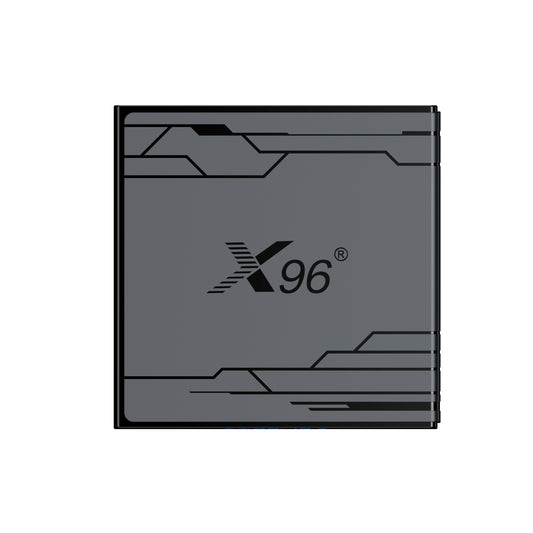
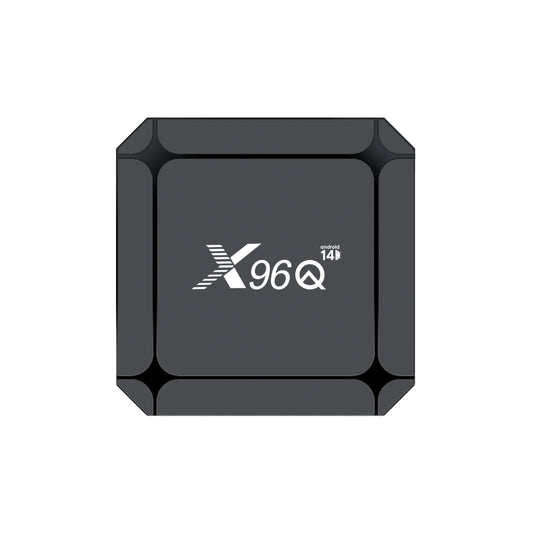
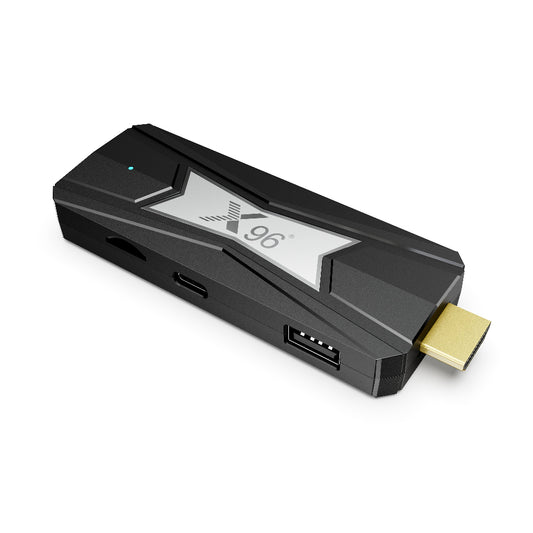
An X96 Android TV box is the key that unlocks cloud gaming on any HDMI-equipped television. These compact, powerful devices plug directly into your TV, run the full Android TV OS, and connect you seamlessly to all the major cloud gaming platforms.
Models like the X96H (H618) and X96M300 (S905X5M) are built for performance. With robust processors, ample RAM, and support for up to 4K resolution, they ensure your cloud games look stunning and play smoothly without stutter or lag.
Getting started is simple:
- Plug the X96 box into your TV and connect it to Wi-Fi.
- Download a cloud gaming app like Blacknut (which offers access to 500+ games), NVIDIA GeForce Now, or Xbox Cloud Gaming (Beta) from the Google Play Store.
- Pair a Bluetooth controller with your X96 box.
- Launch the app, pick a game, and start playing instantly.
It’s that easy—no discs, no downloads, just you and your TV ready for action.
The Unbeatable Benefits of Cloud Gaming on TV
Why should you make the switch to cloud gaming? The advantages are clear and compelling:
- No Expensive Hardware Upgrades: The cloud servers do all the processing. Your TV and X96 box are just a window to that power, so you never need to worry about buying a new console or graphics card.
- Instant Playability: Say goodbye to lengthy installations and updates. With cloud gaming, you can jump into a new title in seconds, satisfying those spontaneous gaming urges.
- Massive Game Libraries: Cloud platforms offer vast and diverse catalogs. From family-friendly puzzles and classic RPGs to the latest action-packed shooters, there’s something for everyone, often through a single subscription.
- Space-Saving and Clutter-Free: Eliminate the need for physical discs and bulky consoles. Your entire gaming library exists in the cloud, accessible through your sleek X96 device.
Ready to Play? Your Quick Start Guide
Transform your TV into a cloud gaming powerhouse in three simple steps:
- Get the Gear: Grab an X96 Android TV box, ensure you have a stable Wi-Fi connection (15-20 Mbps or higher is recommended for HD/4K streaming), and a compatible Bluetooth controller.
- Set Up: Connect your X96 box to your TV and Wi-Fi. Navigate to the Google Play Store to download your preferred cloud gaming service app.
- Start Playing: Sign up for a service, pair your controller, and dive into your first cloud game!
At X96, we are excited to help you redefine your home entertainment. It’s not just about watching anymore—it’s about playing, exploring, and enjoying cloud games like never before. Plug in an X96 Android TV box today and see where the cloud takes you